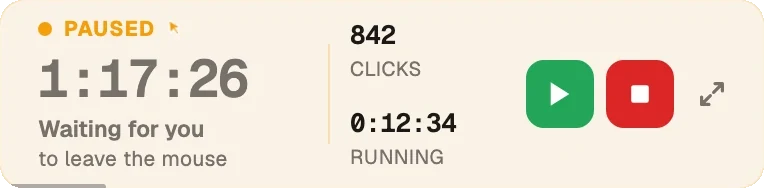
Click one spot or an area you draw, or move the mouse the way a person would. Touch the mouse and it pauses. Windows 10 and 11, from the Microsoft Store or as a direct download.
Free, and no account needed. The Store version updates itself and skips the SmartScreen note; the direct installer is new enough that Windows may show one the first time.
On a Mac? Get the Mac version.
Pick a mode and press Start. Nothing to configure first.
Choose one exact spot, or draw a box and it clicks somewhere inside it. Clicks land at random intervals inside the range you set, so the rhythm isn't mechanical.
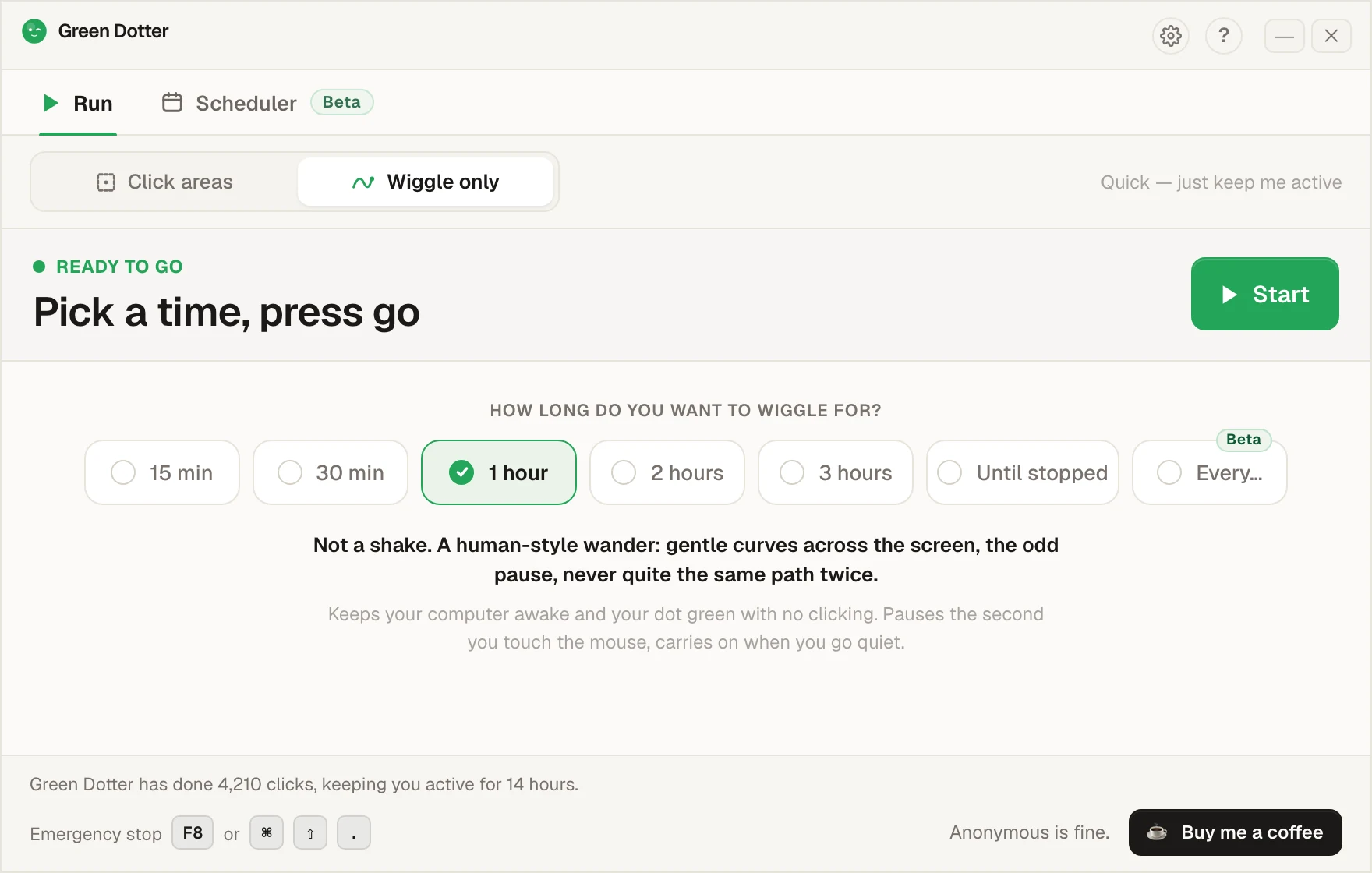
Nothing to pick. The mouse drifts a little, the way yours does while you read. Choose how long, press Start, and leave it.
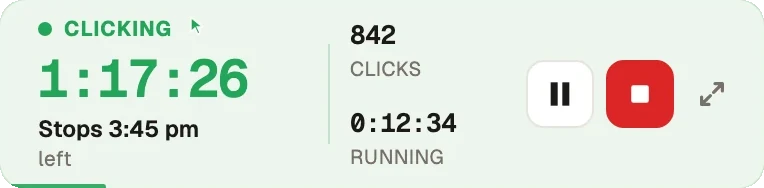
Touch the mouse and it pauses, then carries on once you stop. While it runs it folds down to a small bar you can park in a corner.
Pick your days and hours, add a lunch break. Start and stop times shift by a few minutes each day, so it isn't clocking in at 9:00 sharp.
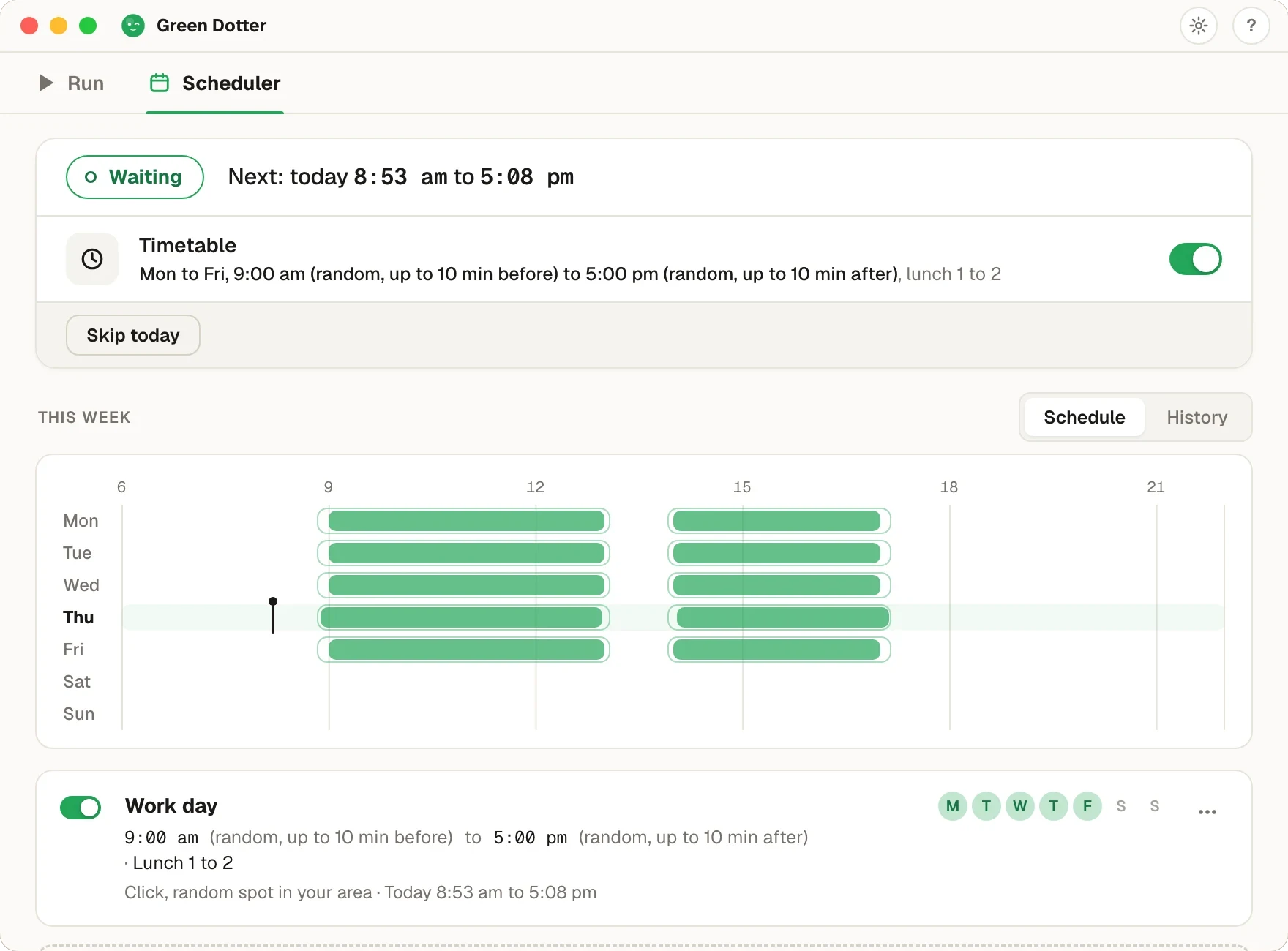
Green Dotter has to be open, the tray is fine, and your computer on and signed in. It can't wake a sleeping computer. It's new, so if something looks off, tell us.
Two modes, one free app. Click one exact spot or a safe area, or wiggle your mouse naturally. Windows 10 and 11.
Windows sees no input and locks the screen. Green Dotter keeps it awake, click a specific area, or just wiggle the mouse naturally if that’s enough. Both modes step aside the moment you take over.
Choose one exact spot, such as a button you need pressed, or select the part of your screen where clicks can safely land. A blank document, an empty panel, a quiet test window. Anywhere that won't cause trouble if clicked.
Choose a timing range. Green Dotter uses randomised intervals so the pattern isn't mechanical or rigid.
Green Dotter clicks your spot, or a random point inside your area, on a natural schedule. When you move the mouse, it pauses automatically.
You choose exactly where clicks happen: one spot every time, or a random point inside an area you define. Green Dotter doesn't click anywhere it likes.
Clicks happen at natural intervals within the range you set. Less mechanical than a fixed timer.
Switch to Wiggle only and Green Dotter moves your mouse in a smooth, human-style drift. Flip the mode, set your stop time, done.
Move the mouse and Green Dotter pauses immediately. No fighting the app for control of your cursor.
Native Windows build. No compatibility fuss.
Local desktop app. Nothing to sign up for. Nothing personal is sent, only anonymous usage stats.
No trial. No expiry.
New Windows apps sometimes trigger a browser warning or a Windows SmartScreen prompt, particularly if the app hasn't been widely downloaded yet. If you see a warning, this is Windows doing its job, it checks apps that aren't yet widely distributed. You can review the prompt and choose to proceed.
Only download Green Dotter from green-dotter.com. That's the official source. Don't download it from third-party sites.
Green Dotter is designed to run locally and perform only the click actions you configure. Apart from anonymous usage stats and update checks, it doesn't talk to the internet while it runs.
What Green Dotter doesn't do:
| Feature | Basic auto clicker | Mouse jiggler | Green Dotter |
|---|---|---|---|
| Human-style wiggle mode | No | No | Yes |
| Fixed clicking | Yes | No | Optional |
| Safe-area clicking | Rare | No | Yes |
| Random intervals | Sometimes | Sometimes | Yes |
| Auto-pause when you return | Rare | Rare | Yes |
| Local app, no account | Varies | Varies | Yes |
| Windows 10 and 11 support | Varies | Varies | Yes |
| Useful for testing and demos | Limited | Limited | Yes |
Prefer cursor movement to clicks? See how Green Dotter works as a mouse jiggler alternative. Also available: the Mac version, plus a guide to keep your computer awake. Still comparing? Our roundup of every free auto clicker worth trying on Windows and Mac puts them side by side.
Don't use Green Dotter (or any auto clicker) where automation is prohibited, or where clicks could trigger payments, deletions, submissions, or any irreversible action.
Choose a safe area where clicks land somewhere harmless. Test it for a minute before walking away.
Check your workplace policies before using any automation tool on a managed device.
Green Dotter is available two official ways: install from the Microsoft Store, or download it directly from green-dotter.com. No account, email address or subscription is required.
Controlled clicks, simple setup. Green Dotter clicks where you tell it to, on a natural schedule, and gets out of your way when you're back. Free.
Download it and press Start.