Two modes, one free app. Click a safe area or wiggle your mouse naturally. Built for Apple Silicon.
On Windows? Get the Windows version.
macOS doesn’t know the difference between “actually busy” and “staring at a long document.” So it sleeps. Green Dotter keeps it awake — with controlled clicks in a safe area, or just a smooth mouse wiggle if that’s all you need.
Select a safe area of your screen where clicks can land — a blank document, a quiet sidebar, an empty panel. Anywhere that won't cause trouble if clicked.
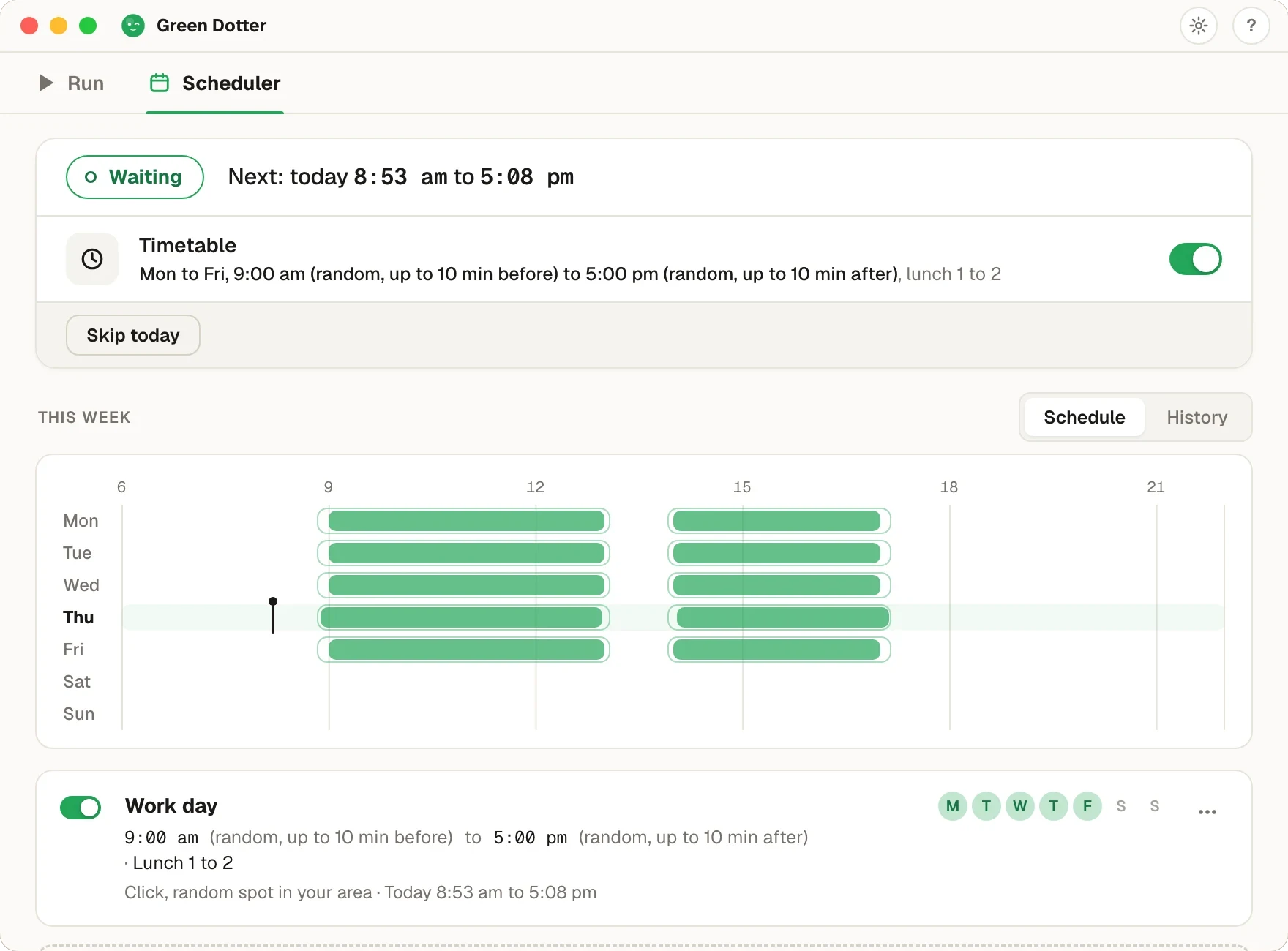
Choose how often Green Dotter clicks. It uses randomised timing so the pattern isn't mechanical or repetitive.
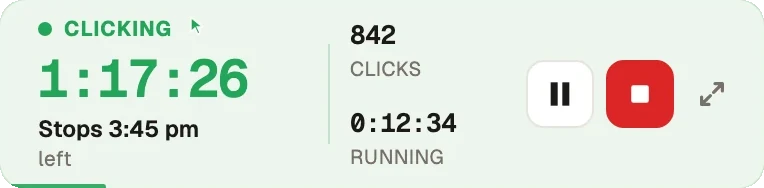
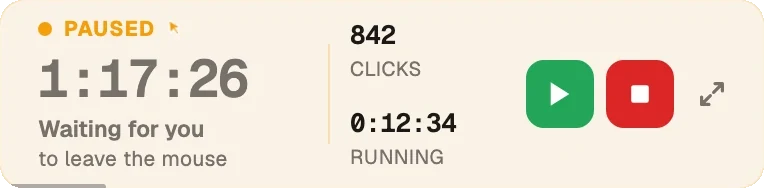
Green Dotter clicks inside your chosen area on a natural schedule. Move the mouse or type and it pauses automatically. When you stop, it picks back up.
You choose exactly where clicks happen. Green Dotter clicks inside the area you define — keeping you in control and avoiding accidental clicks on buttons, forms, or anything important.
Clicks happen at natural intervals, not rigid fixed timers. Less mechanical, and more predictable for long sessions.
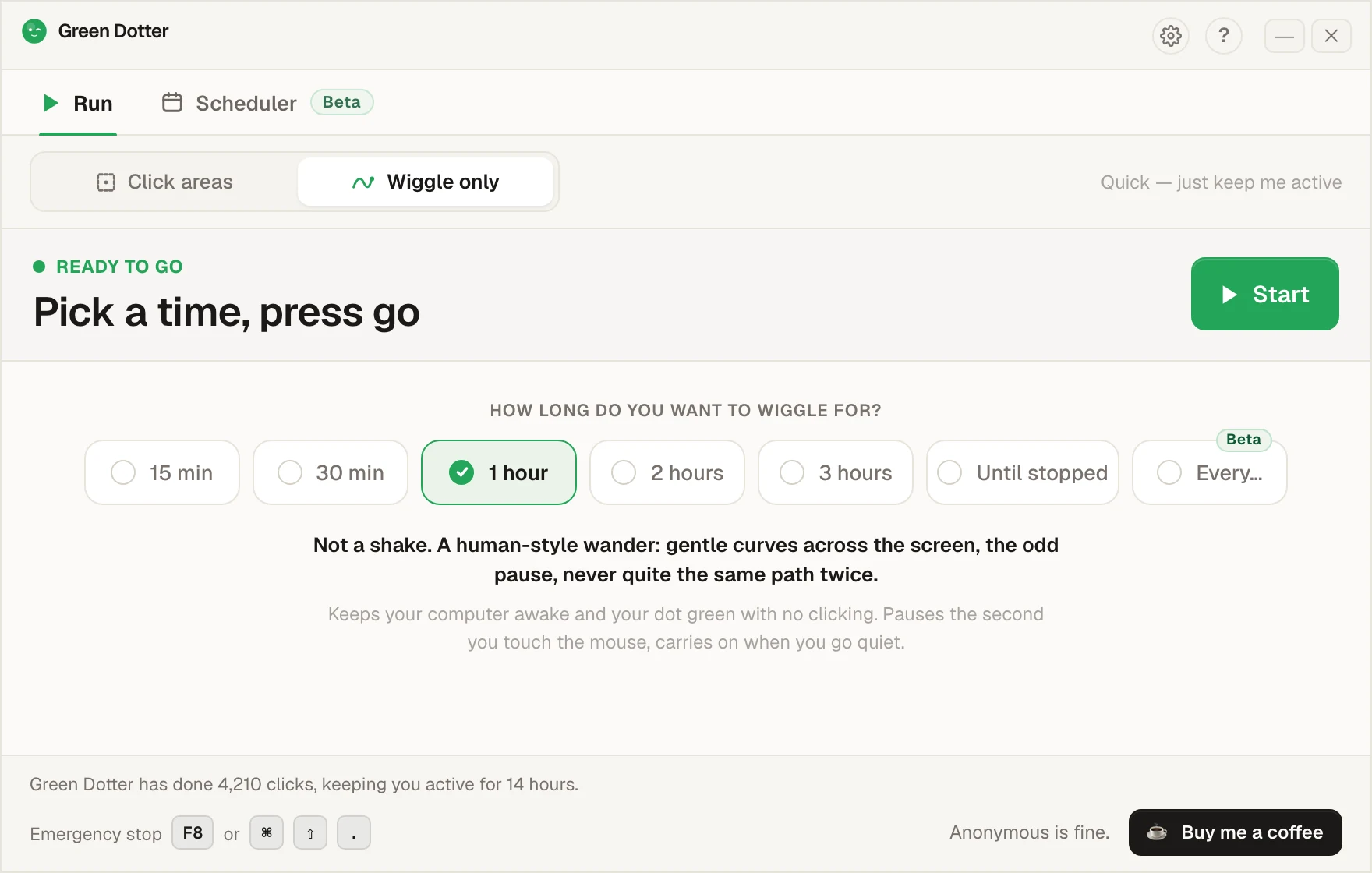
No target area, no clicking. Just smooth, human-style mouse movement. Switch to Wiggle only, set your stop time, go.
The moment you move the mouse or press a key, Green Dotter pauses. No fighting the app for control of your own cursor.
A build made for M-series Macs, so it runs lean and launches fast. Download it and it just works.
Green Dotter is a local desktop app. Nothing to sign up for. Nothing sent anywhere.
No trial. No expiry. Just download and use it.
Green Dotter works on modern Macs running macOS 11 or later, including MacBook Air, MacBook Pro, iMac, Mac mini and Mac Studio.
The Apple Silicon build is made for M-series Macs, so it is a good fit for newer MacBook Air and MacBook Pro models. If you are looking for a free auto clicker for MacBook, this is the page you want. You decide where it clicks with a safe-area auto clicker, and if you are weighing up free tools, here is whether a free auto clicker is safe.
| Green Dotter | Mouse jiggler | Power settings | |
|---|---|---|---|
| Clicks inside a safe area | ✓ | ✗ | ✗ |
| Human-style wiggle mode | ✓ | ✗ | ✗ |
| Randomised timing | ✓ | Sometimes | — |
| Pauses when you return | ✓ | ✗ | — |
| Mac Apple Silicon support | ✓ | Varies | ✓ |
| No account needed | ✓ | ✓ | ✓ |
| Free | ✓ | Varies | ✓ |
| Controlled click area | ✓ | ✗ | ✗ |
A mouse jiggler moves the cursor. A power setting is broad and permanent. Green Dotter clicks exactly where you choose, on a natural schedule, and stops when you're back.
macOS requires Accessibility permission before any app can perform click events on your screen. That is the system doing its job — and it's right to ask.
Green Dotter uses that permission for one thing: clicking inside the area you choose. It does not record your screen. It does not read your messages. It does not need your Slack, Teams, or Discord login. It is a local desktop utility.
You can review and remove permissions at any time in macOS System Settings → Privacy & Security → Accessibility.
Why auto clickers need Accessibility permission on Mac →
Still unsure about installing one? Read is a free auto clicker safe for what to check first.