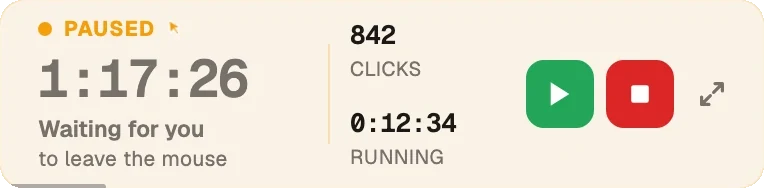
Green Dotter clicks inside a safe area you choose, on a randomised schedule you control. No fixed beats. No rigid timers. Free for Mac and Windows.
Green Dotter is available two official ways: install from the Microsoft Store, or download it directly from green-dotter.com. No account, email address or subscription is required.
Pick a mode and press Start. That's the whole job.
Choose one exact spot, or draw a box and it clicks somewhere inside it. Clicks land at random intervals inside the range you set, so the rhythm isn't mechanical.
Nothing to pick. The mouse drifts a little, the way yours does while you read. Choose how long, press Start, and leave it.
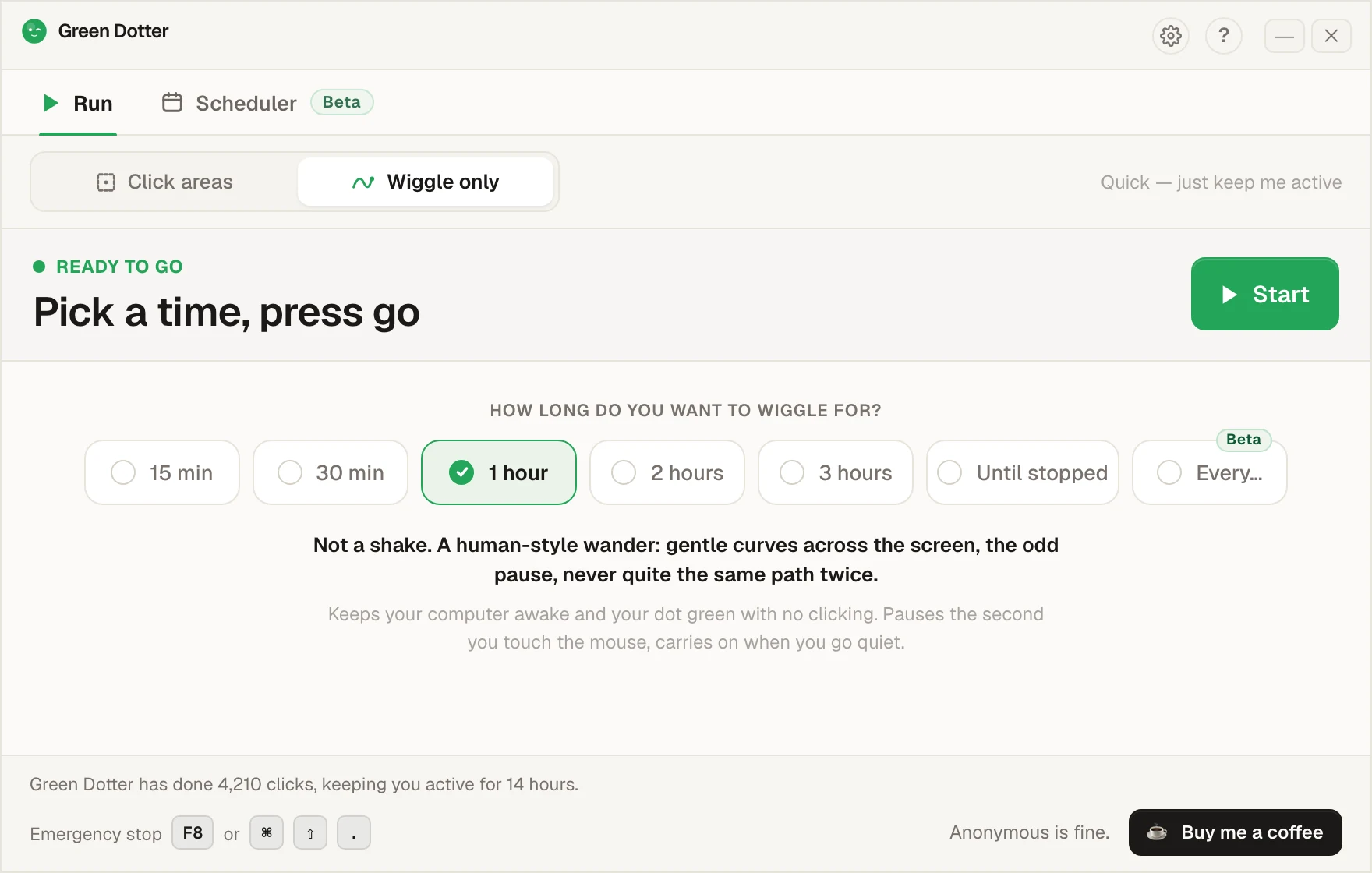
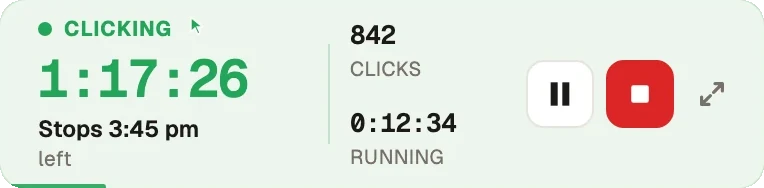
Touch the mouse and it pauses, then carries on once you stop. While it runs it folds down to a small bar you can park in a corner.
Pick your days and hours, add a lunch break. Start and stop times shift by a few minutes each day, so it isn't clocking in at 9:00 sharp.
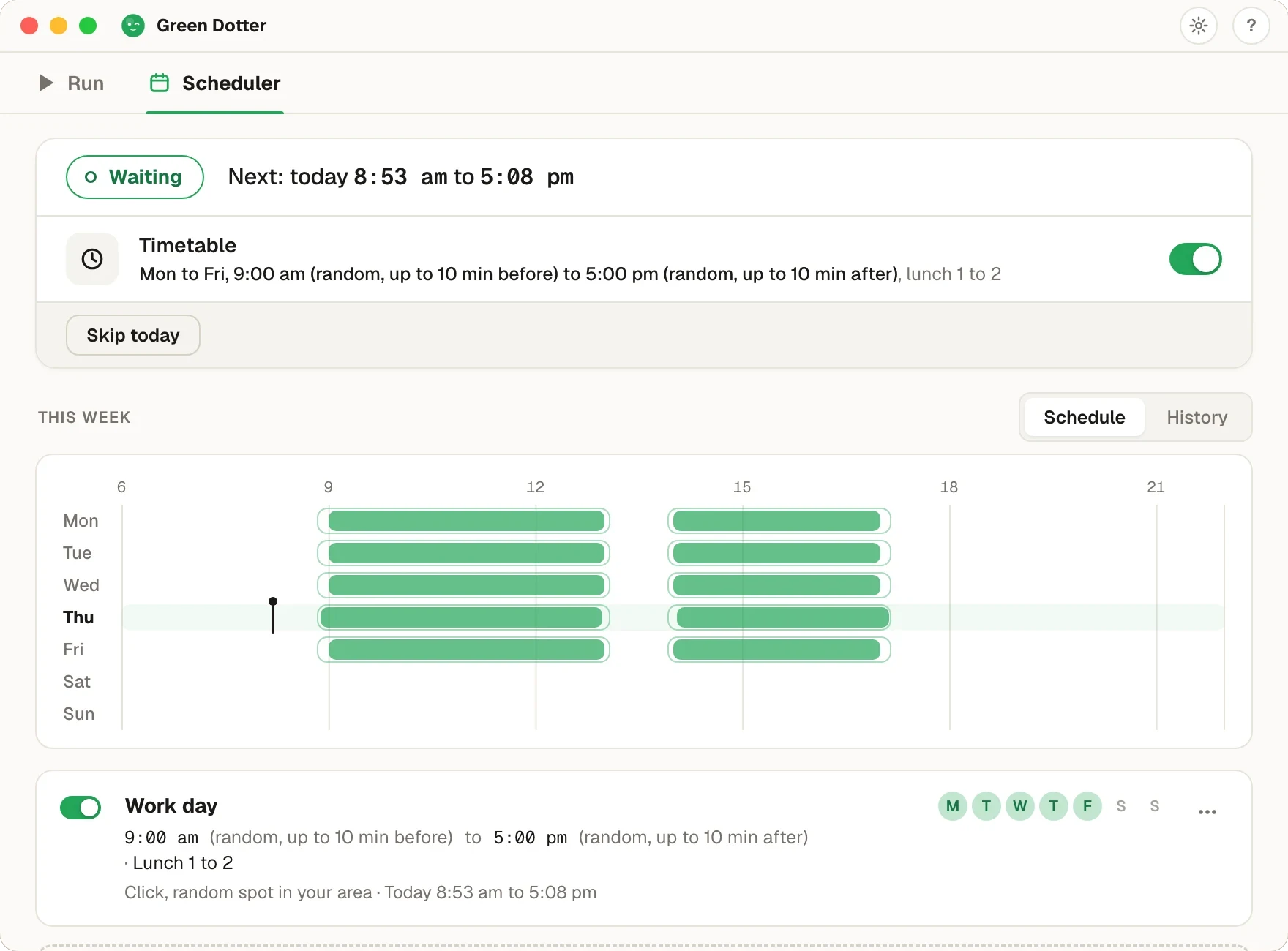
Green Dotter has to be open, the tray is fine, and your computer on and signed in. It can't wake a sleeping computer. It's new, so if something looks off, tell us.
You'll see this called a few things: a random interval auto clicker, an auto clicker with random intervals, or just a randomised autoclicker. Same tool, whichever way you searched it. Here's how it differs from the fixed kind.
A fixed interval auto clicker clicks on the same schedule every time. Click. Wait 60 seconds. Click. Wait 60 seconds. Click.
That's predictable, which is useful for some tasks. But it's also rigid. The pattern never changes, the timing never varies, and it can feel mechanical, especially during long sessions.
A random interval auto clicker works differently. Instead of clicking every 60 seconds exactly, it clicks somewhere within a range you set. Maybe between 30 and 90 seconds. Maybe between 2 and 5 minutes. The behaviour is still controlled. The timing just isn't mechanical.
Fixed timing can cause problems a random interval avoids. Very fast fixed clicking can overload apps or trigger unexpected behaviour. Very slow fixed clicking can feel too infrequent for the task. And a perfectly regular beat can feel unnatural for sessions that are meant to reflect normal desktop use.
Random intervals are more useful when:
The goal isn't chaos. It's controlled flexibility.
You set a timing range. Green Dotter clicks somewhere within that range.
Every 30 to 90 seconds, for keeping things ticking over during focused work.
Every 2 to 5 minutes, for long-running processes where presence matters.
Every 45 to 75 seconds: predictable enough to rehearse, varied enough to look natural.
Green Dotter picks a point within your chosen range each time, so the pattern varies naturally without you having to manage it. You choose the area. You choose the timing range. Green Dotter clicks inside that area on that schedule. When you move the mouse, it pauses automatically.
Random timing is only half the picture. A random interval auto clicker that clicks anywhere on your screen is still unpredictable in the wrong way. The timing varies, but the location doesn't. And if that location is a button, a form, or anything sensitive, variable timing doesn't help.
Green Dotter combines random intervals with safe-area targeting. You choose where clicks happen. You choose the timing range. Green Dotter does both. That's what makes it more useful than a basic clicker with a randomise setting.
| Feature | Fixed auto clicker | Random interval clicker | Green Dotter |
|---|---|---|---|
| Human-style wiggle mode | No | No | Yes |
| Fixed timing | Yes | Optional | Optional |
| Random timing | No | Yes | Yes |
| Safe-area targeting | Sometimes | Sometimes | Yes |
| Auto-pause when you return | Rare | Rare | Yes |
| Local app, no account | Varies | Varies | Yes |
| Mac support | Varies | Varies | Yes |
| Windows support | Varies | Varies | Yes |
Also see how Green Dotter works as a mouse jiggler alternative, and the deeper dive on what a random interval auto clicker is. On a Mac? The auto clicker for Mac page covers Apple Silicon and the Accessibility permission macOS asks for. Weighing up the alternatives? Our free auto clicker roundup compares the main options.
Choose a safe area where clicks won't trigger buttons, payments, forms, or anything irreversible. Avoid admin panels, messaging input boxes, and anything you wouldn't want clicked unexpectedly. Check your workplace or device policies before using automation tools on a work machine.
Green Dotter is available two official ways: install from the Microsoft Store, or download it directly from green-dotter.com. No account, email address or subscription is required.