Mouse jiggler · Mac & Windows

A free mouse jiggler for Mac and Windows

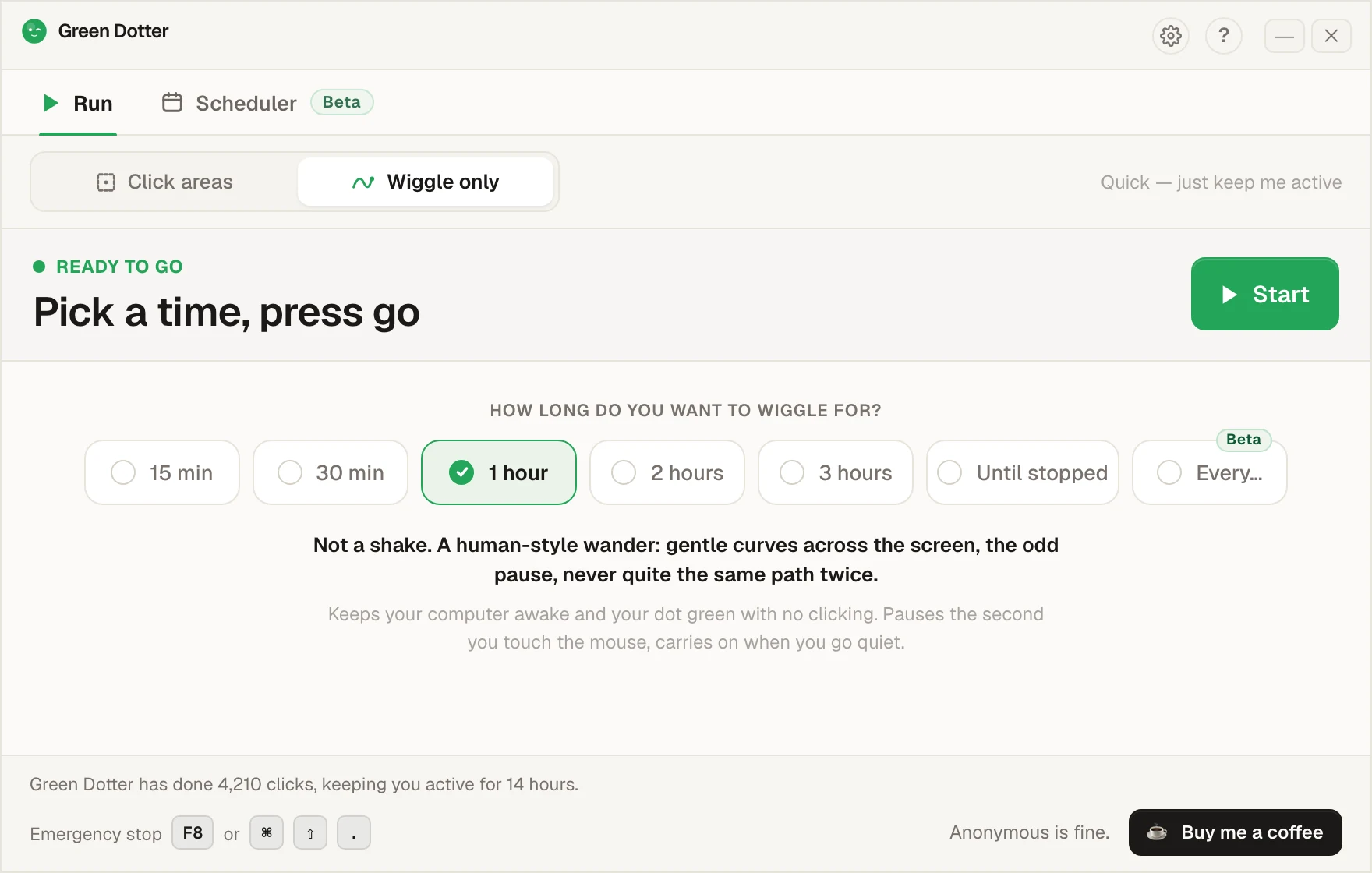
Wiggle only mode moves your mouse in a smooth, human-style pattern — nothing like the robotic back-and-forth you get from a basic jiggler. Want clicks in a specific area too? Switch to Click areas. Both modes are free, and both pause the second you take over.

Official Green Dotter download

Green Dotter is distributed directly from green-dotter.com. This is the official download source for the Green Dotter app. No account, email address or subscription is required.

Free. No account required.Mac and WindowsClicks only where you choose

What does a mouse jiggler actually do?

A mouse jiggler keeps your computer from going idle by moving the cursor. Some are hardware USB devices — you plug them in and they handle everything in the background. Some are software. Either way, the job is the same: move the pointer just enough that your machine doesn't think you've gone.

They've been around for years. For basic keep-awake use, they can do the job.

The problem with a basic mouse jiggler

Moving the cursor is a blunt solution. Most mouse jigglers don't know where they're sending your pointer. They just move it. That's fine until:

  • Your cursor ends up somewhere you didn't intend
  • The movement interrupts something you were doing
  • You need a click, not just movement
  • You want activity inside a specific app or screen area
  • You're testing something and random cursor movement breaks the flow

For simple tasks — stopping sleep mode on a personal machine — a mouse jiggler is often fine. For anything that needs more precision, it starts to feel clumsy.

Two modes, pick what fits

Wiggle only — smooth, natural mouse movement. Nothing gets clicked. No target to draw. Switch it on, set how long, go.

Click areas — draw a safe zone, set the interval, walk away. Good for apps where movement alone isn’t enough to keep your status active.

Safe-area targeting

You choose exactly where clicks happen. Green Dotter doesn't wander. It stays inside the area you define.

Randomised timing

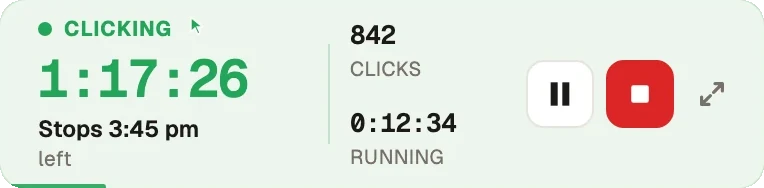
Clicks happen at natural intervals, not a rigid fixed beat. Less mechanical, calmer for long sessions.

Auto-pause when you return

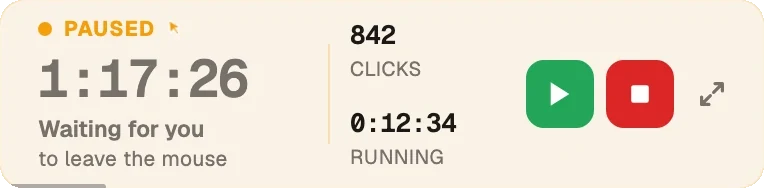
Move your mouse or press a key and Green Dotter pauses. It gets out of your way immediately.

Mac and Windows

Works on both. Separate native builds for each platform.

Local app, no account

Nothing cloud-based. Nothing to sign up for. Runs on your machine and does its job.

Free

No trial. No expiry.

Mouse jiggler vs Green Dotter

FeatureBasic mouse jigglerGreen Dotter
Human-style wiggle modeNoYes
Moves cursorYesNo
Performs controlled clicksNoYes
Safe-area targetingNoYes
Random intervalsSometimesYes
Auto-pause when you returnUsually noYes
Wake lockSometimesYes
Mac supportVariesYes
Windows supportVariesYes
Useful for testing and demosLimitedYes
Local app, no accountVariesYes

To be fair: sometimes a jiggler is all you need

If your only goal is to stop your screen sleeping — a file download, a long presentation, a machine you want to leave running — a basic mouse jiggler or a power setting change may be all you need.

Green Dotter is more useful when you want controlled desktop activity inside a chosen screen area. If you just need the machine awake, simpler tools exist. The right tool depends on what you're actually trying to do — here's a fuller look at how to keep your computer awake, and a comparison of auto clickers and keep-awake apps.

Where Green Dotter fits better

Green Dotter is the better choice when:

  • You want clicks to land in a specific part of your screen
  • You need randomised timing rather than fixed intervals
  • You're running demos and need controlled, predictable activity
  • You're doing QA or testing and need repeatable click behaviour
  • You want the tool to pause the moment you return
  • You're doing repetitive workflow tasks that benefit from automation
  • You want a local app that doesn't need a cloud account

Use automation sensibly

Choose a safe click area — somewhere clicks won't trigger buttons, forms, payments, or anything irreversible. Check your workplace or device policies before using any automation tool on a work machine. Green Dotter is designed for controlled desktop activity. Use it that way.

Common questions

Yes — Wiggle only mode moves your mouse in a smooth, human-style pattern. It also has Click areas mode if you need targeted clicks in a specific screen zone.
It depends what you need. If you only want to stop sleep mode, a mouse jiggler may be enough. If you want controlled clicks in a specific area, Green Dotter gives you more control.
Yes. Clicking inside a safe area keeps your machine active during controlled sessions.
Yes. There are separate native builds for both platforms.
No. It's a local desktop utility. No screen recording, no message access, no account required.
Yes. Free to download and use. No trial period, no subscription.

Official Green Dotter download

Official Green Dotter download

Green Dotter is distributed directly from green-dotter.com. This is the official download source for the Green Dotter app. No account, email address or subscription is required.

Get Green DotterControlled clicks, simple setup. Green Dotter clicks where you tell it to, on a natural schedule, and gets out of your way when you're back. Free.