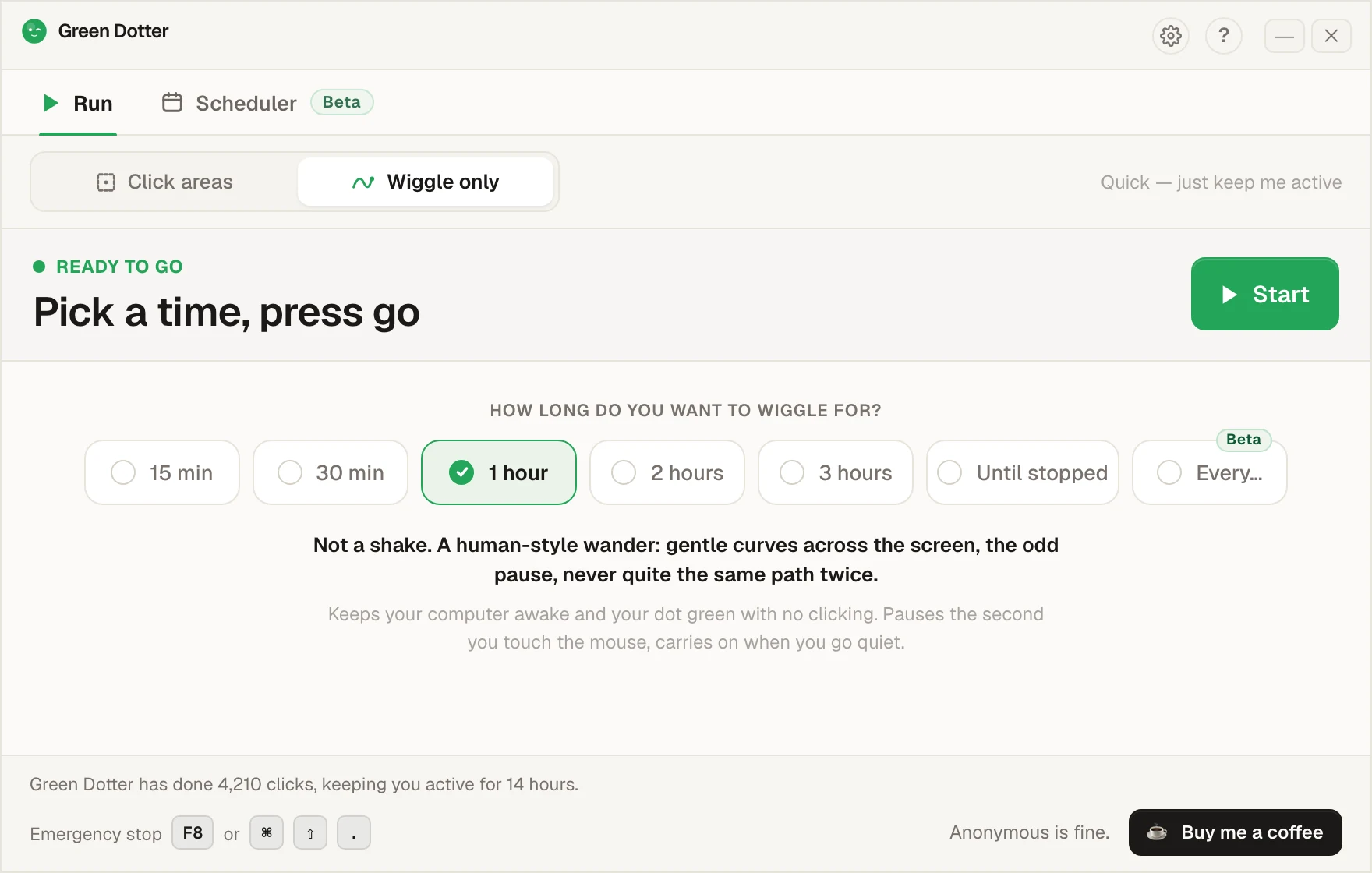
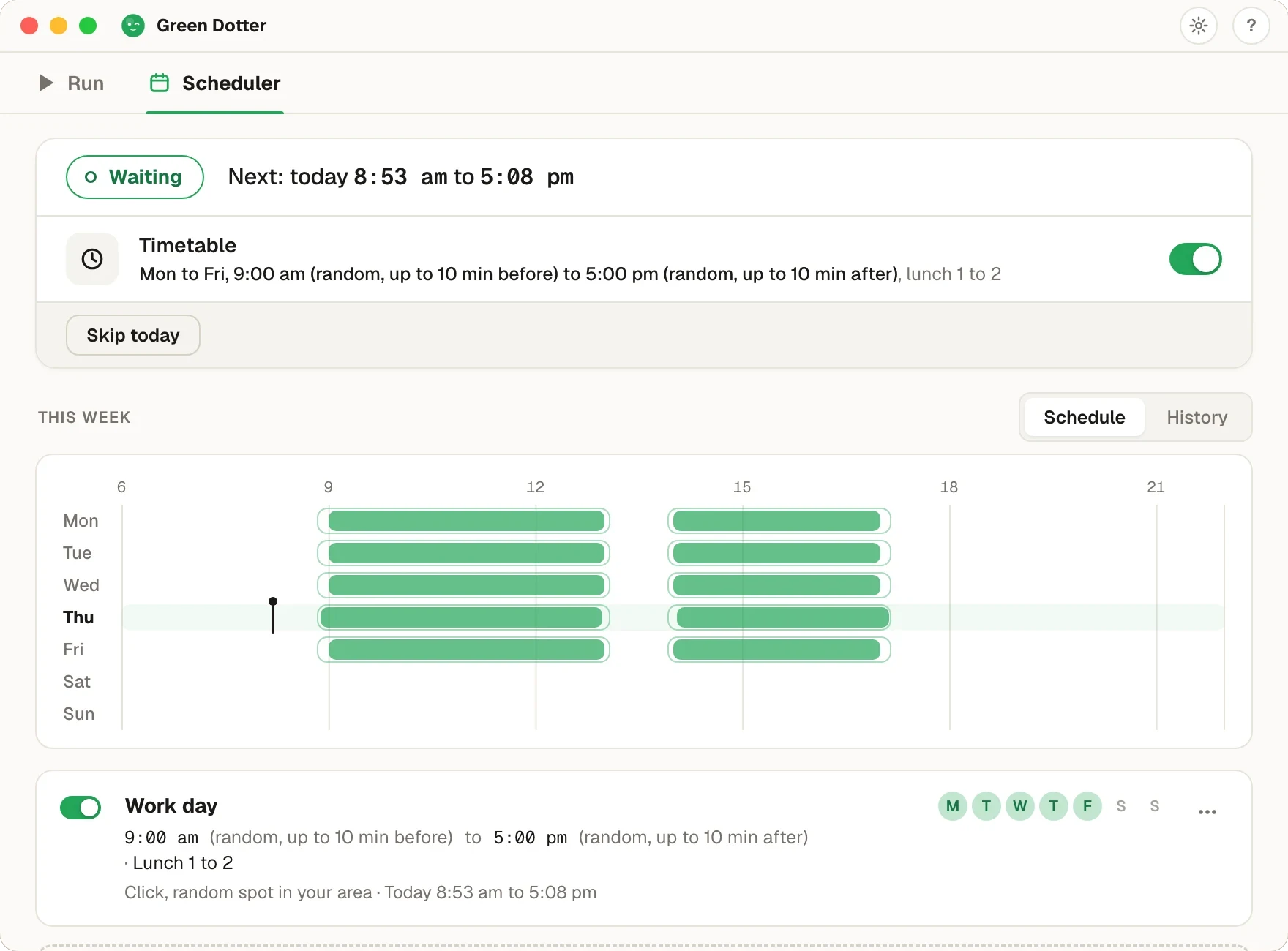
No PowerToys installation required. Green Dotter keeps your computer active with wiggle mode or controlled clicks, on Mac as well as Windows. Just download, pick how you want to stay active, and go.
Green Dotter is distributed directly from green-dotter.com. No account, email address or subscription is required.
PowerToys Awake is a useful Windows tool for stopping your computer from sleeping. Green Dotter is different: it can keep your computer active with wiggle mode or controlled clicks inside a screen area you choose. It also works on Mac and Windows.
PowerToys Awake is good when you simply need a Windows computer to stay awake for a while. It can stop sleep during a download, presentation, transfer, build, or long-running task.
If that is all you need, PowerToys Awake may be enough.
PowerToys Awake is mainly about power state. It is not a mouse jiggler, it does not create controlled clicks, and it is not available for Mac.
That matters if your problem is not just sleep mode. Sometimes you need the machine to stay active in a way that feels closer to normal desktop use. If you only need to stop sleep, our guide on how to keep your computer awake covers the built-in options too.
Green Dotter gives you two modes:
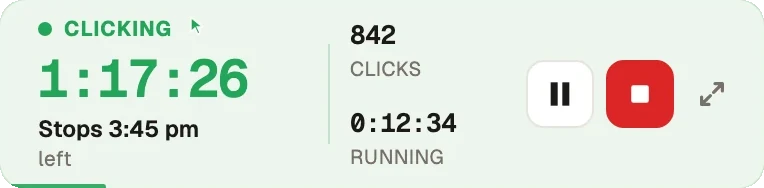
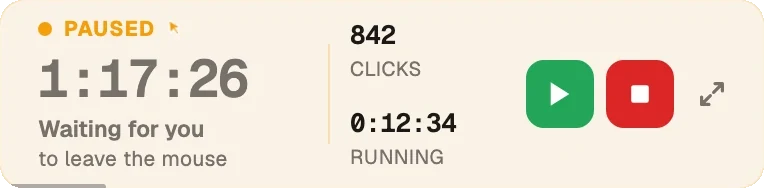
You can run it for a set time, stop after a number of clicks, or stop it manually. It pauses when you take over, and it runs locally on your computer. It works as both the Windows auto clicker and the Mac auto clicker.
| Feature | PowerToys Awake | Green Dotter |
|---|---|---|
| Windows support | ✓ | ✓ |
| Mac support | ✗ | ✓ |
| Keeps computer awake | ✓ | ✓ |
| Keeps screen awake | Yes, if enabled | Yes, while running |
| Mouse wiggle mode | ✗ | ✓ |
| Controlled click areas | ✗ | ✓ |
| Random click timing | ✗ | ✓ |
| Auto-pause when you return | ✗ | ✓ |
| Local app | ✓ | ✓ |
| Free | ✓ | ✓ |
Use PowerToys Awake if you only need a Windows PC to avoid sleep during a task.
Use Green Dotter if you want Mac support, mouse activity, controlled clicks, random timing, or a tool that pauses when you take control again. It is also a simple way to keep your Teams status active during controlled sessions.
Green Dotter is distributed directly from green-dotter.com. This is the official download source for the Green Dotter app. No account, email address or subscription is required.