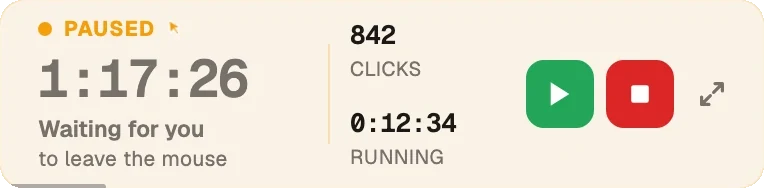
Amphetamine stops your Mac sleeping. Green Dotter does that too, but with real mouse movement, so your status apps stay green as well.
Green Dotter is available two official ways: install from the Microsoft Store, or download it directly from green-dotter.com. No account, email address or subscription is required.
Pick a mode and press Start. That's the whole job.
Choose one exact spot, or draw a box and it clicks somewhere inside it. Clicks land at random intervals inside the range you set, so the rhythm isn't mechanical.
Nothing to pick. The mouse drifts a little, the way yours does while you read. Choose how long, press Start, and leave it.
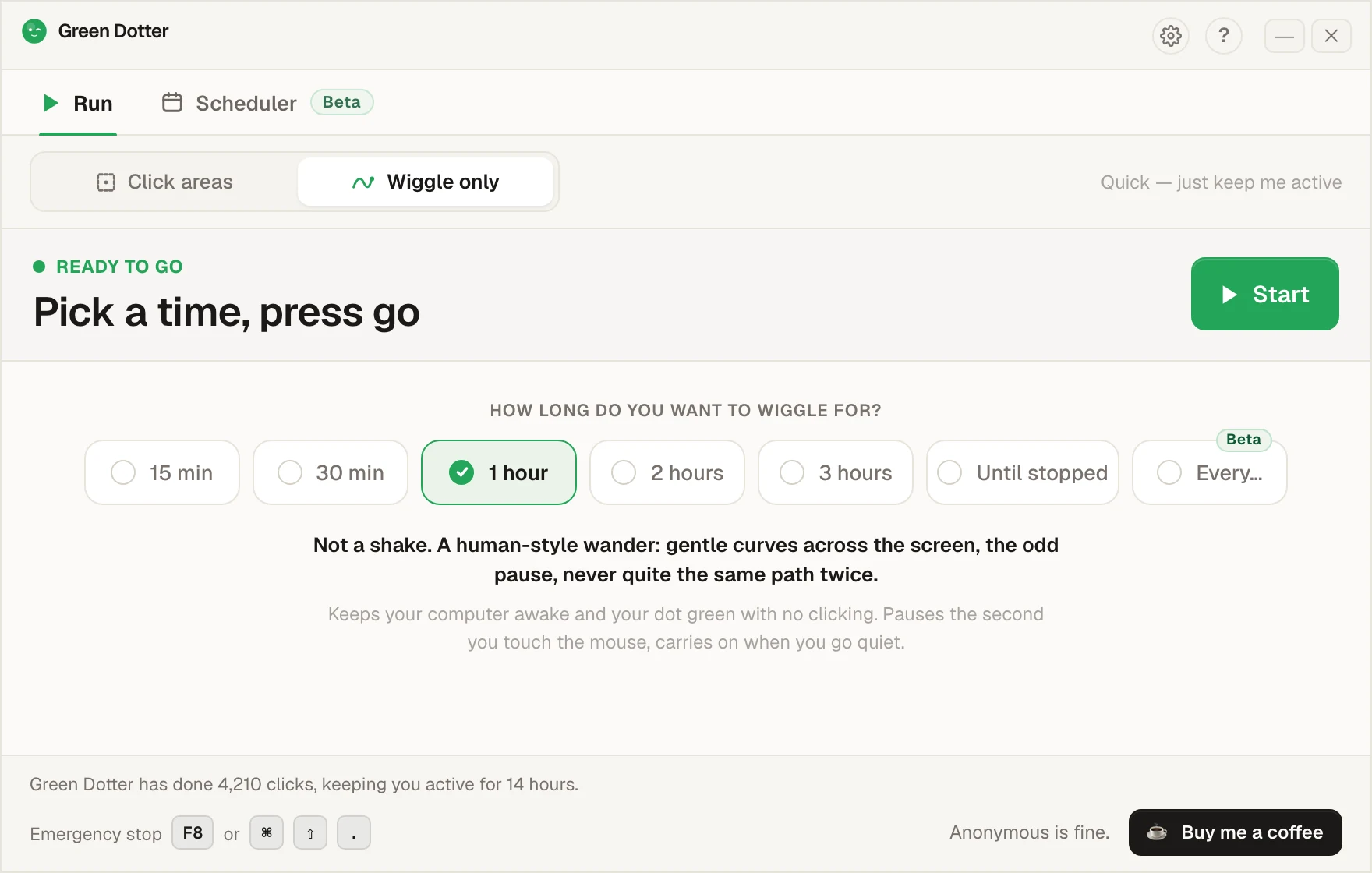
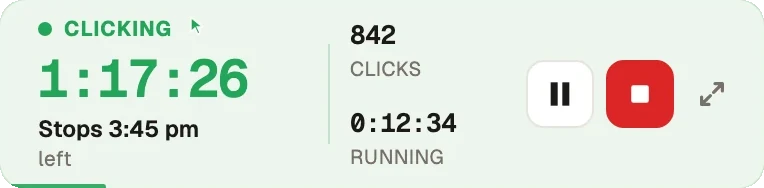
Touch the mouse and it pauses, then carries on once you stop. While it runs it folds down to a small bar you can park in a corner.
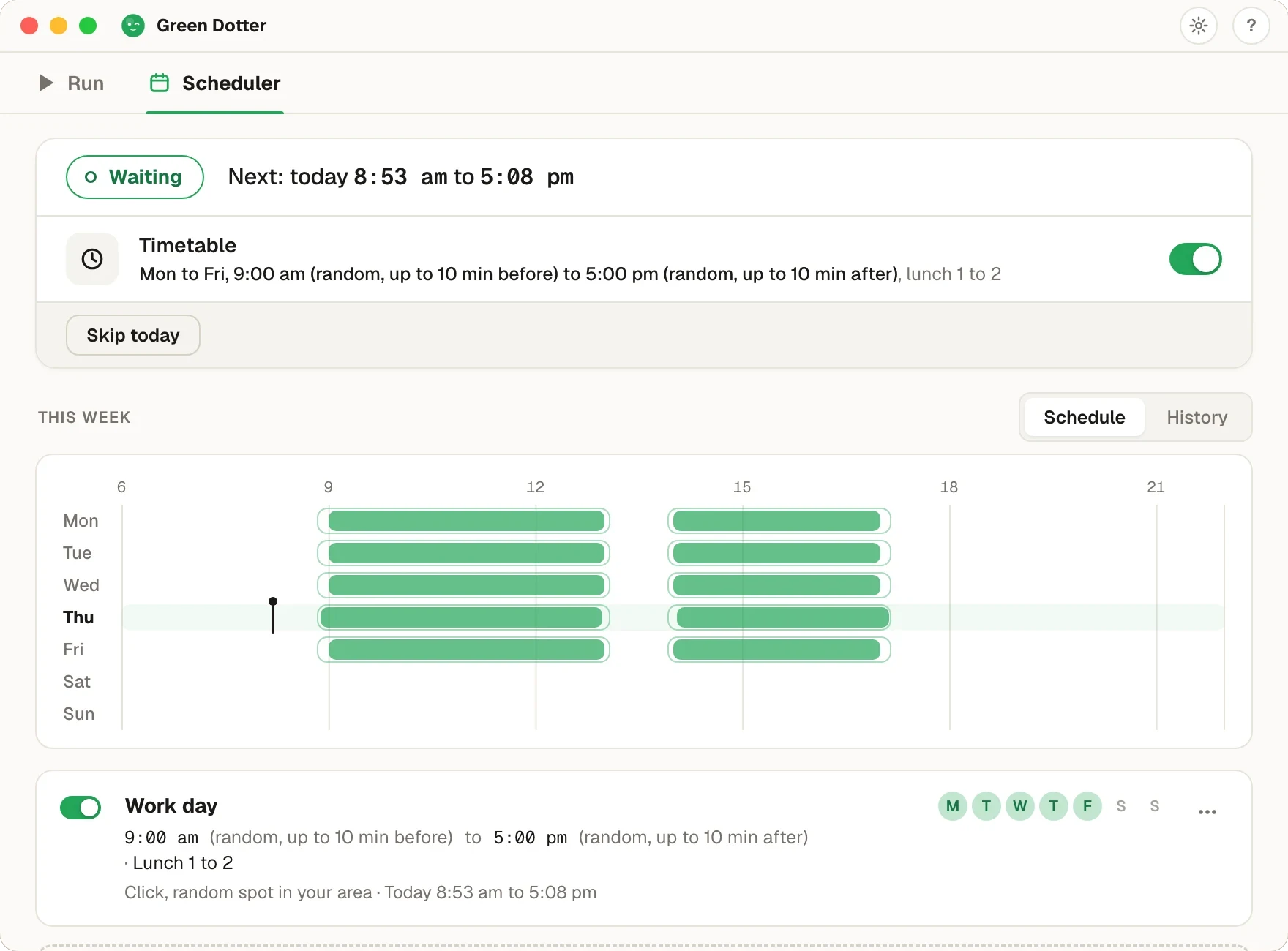
Pick your days and hours, add a lunch break. Start and stop times shift by a few minutes each day, so it isn't clocking in at 9:00 sharp.
Green Dotter has to be open, the tray is fine, and your computer on and signed in. It can't wake a sleeping computer. It's new, so if something looks off, tell us.
Amphetamine is a genuinely good app. It's free, it lives in the menu bar, and if all you want is to stop your Mac going to sleep, you don't need anything else.
The catch is how it works. Amphetamine tells macOS not to sleep, and that's it. No input happens. Slack and Teams don't care whether your Mac is awake, they care whether you've touched the mouse or keyboard lately. So your screen stays on and your dot goes yellow anyway.
Green Dotter comes at it from the other side. It makes small, natural mouse movements, or clicks a spot or a screen area you've chosen. Your Mac sees real input, so it stays awake and your status stays green. Same on Windows.
| Green Dotter | Amphetamine | |
|---|---|---|
| Keeps your computer awake | ✓ | ✓ |
| Creates real mouse input | ✓ | ✗ |
| Helps keep Slack/Teams status active | ✓ | ✗ |
| Windows support | ✓ | ✗ Mac only |
| Trigger-based automation | ✗ | ✓ |
| Free | ✓ | ✓ |
Worth saying plainly: if what you want is deep macOS wake automation, keep Amphetamine, it's excellent at that. If the thing going idle is your chat status rather than your Mac, that's the job Green Dotter was built for. There's a wider rundown in keeping your Mac awake.
Your status goes yellow anyway. A pure keep-awake tool can't touch your presence dot, because presence runs on input, not wakefulness. Green Dotter creates the input.
You're on Windows half the time. Amphetamine is Mac only. Green Dotter is one app, one setup, on both platforms.
You want clicks, not just wakefulness. Some apps only count you as active when something actually gets clicked. Green Dotter clicks one exact spot you pick, or inside a safe area you draw, so nothing important ever gets hit.
Also compared: Caffeine, Move Mouse and PowerToys Awake.
Green Dotter is available two official ways: install from the Microsoft Store, or download it directly from green-dotter.com. No account, email address or subscription is required.